
How to Export MDaemon Contact to CSV file?
Download and Install MDaemon Migration Tool in your PC. This software will help you to convert MDaemon Contacts to CSV file. Later you can import this contact file into various email clients and services.

Steps to Convert MDaemon Contacts to CSV file are;
Step 1. Run Tool and add MDaemon Data.
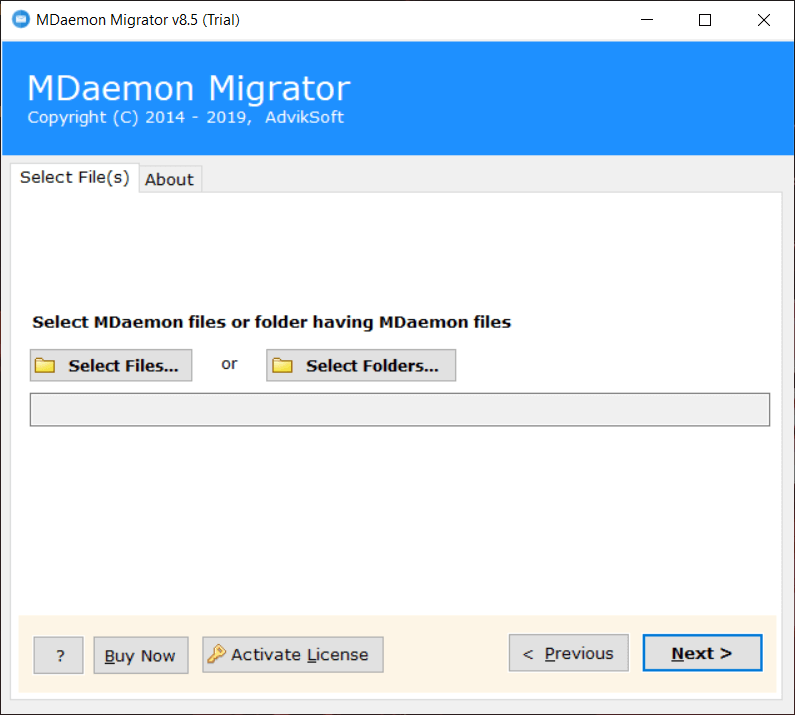
Step 2. Select contacts from the items.

Step 3. Choose CSV as saving option from the list.

Step 4. Select Output target location.

Step 5. Click Convert button to start process.

Finished! This is how you can export MDaemon Contacts to CSV file.

Related Articles